
Summarize PDF Content In Browser Without Downloading
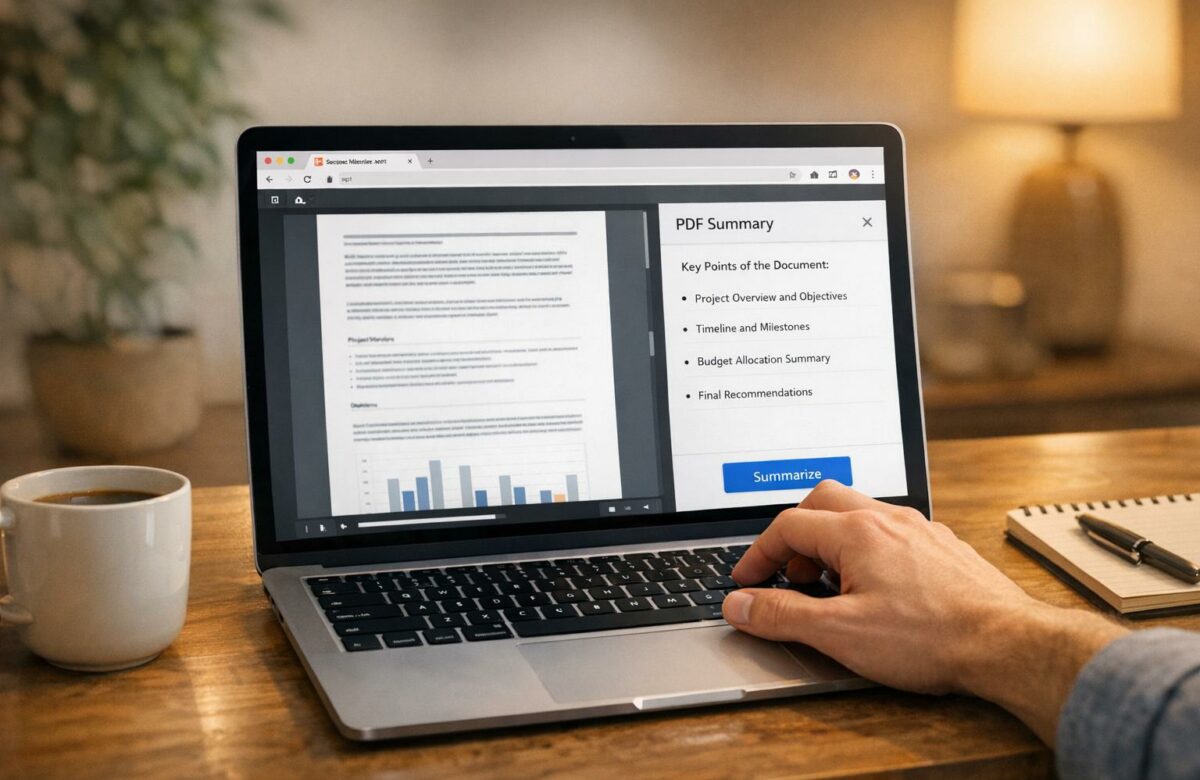
Tired of downloading PDFs just to find key points? Browser-based tools now let you summarize PDFs instantly without the hassle of downloads. These tools save time, reduce storage use, and improve security by allowing you to work directly in your browser.
Key Takeaways:
- Quick Summaries: Tools like ChatPDF and Adobe Acrobat AI generate concise summaries in seconds.
- Multilingual Support: Many tools handle multiple languages, including Spanish, Chinese, and French.
- Special Features:
- ChatPDF: Drag-and-drop PDFs, clickable page references, and free use for two PDFs daily.
- Lumin PDF AI: OCR for scanned documents and enterprise-grade security.
- Adobe Acrobat AI: Real-time "Streaming Summaries" and numbered attributions for easy fact-checking.
- Refinement Tools: BeLikeNative Chrome extension helps polish summaries with rephrasing, tone adjustments, and translation in 80+ languages, similar to free AI PDF translators.
Quick Comparison:
| Tool | Key Feature | Free Tier | Languages Supported |
|---|---|---|---|
| ChatPDF | Clickable page references | Yes (2 PDFs/day) | Major global |
| Lumin PDF AI | OCR for scanned documents | Beta version free | Major global |
| Adobe Acrobat AI | Real-time summaries | Basic tools free | Major global |
| BeLikeNative | Post-summary customization | Yes (5 uses/day) | 80+ |
These tools streamline PDF summarization for professionals, students, and researchers, offering both speed and convenience without cluttering devices.
Free AI PDF Summarizer – Generate Summaries in Seconds
Browser-Based PDF Summarization: Tools and Methods
Browser-Based PDF Summarization Tools Comparison Chart
Browser-based tools make it easier to condense lengthy PDFs into manageable summaries, verify citations, handle scanned or handwritten documents, and organize files with ease. Below are three standout AI summarization tools that take different approaches to PDF summarization directly in your browser.
ChatPDF: Quick Summaries with Page References
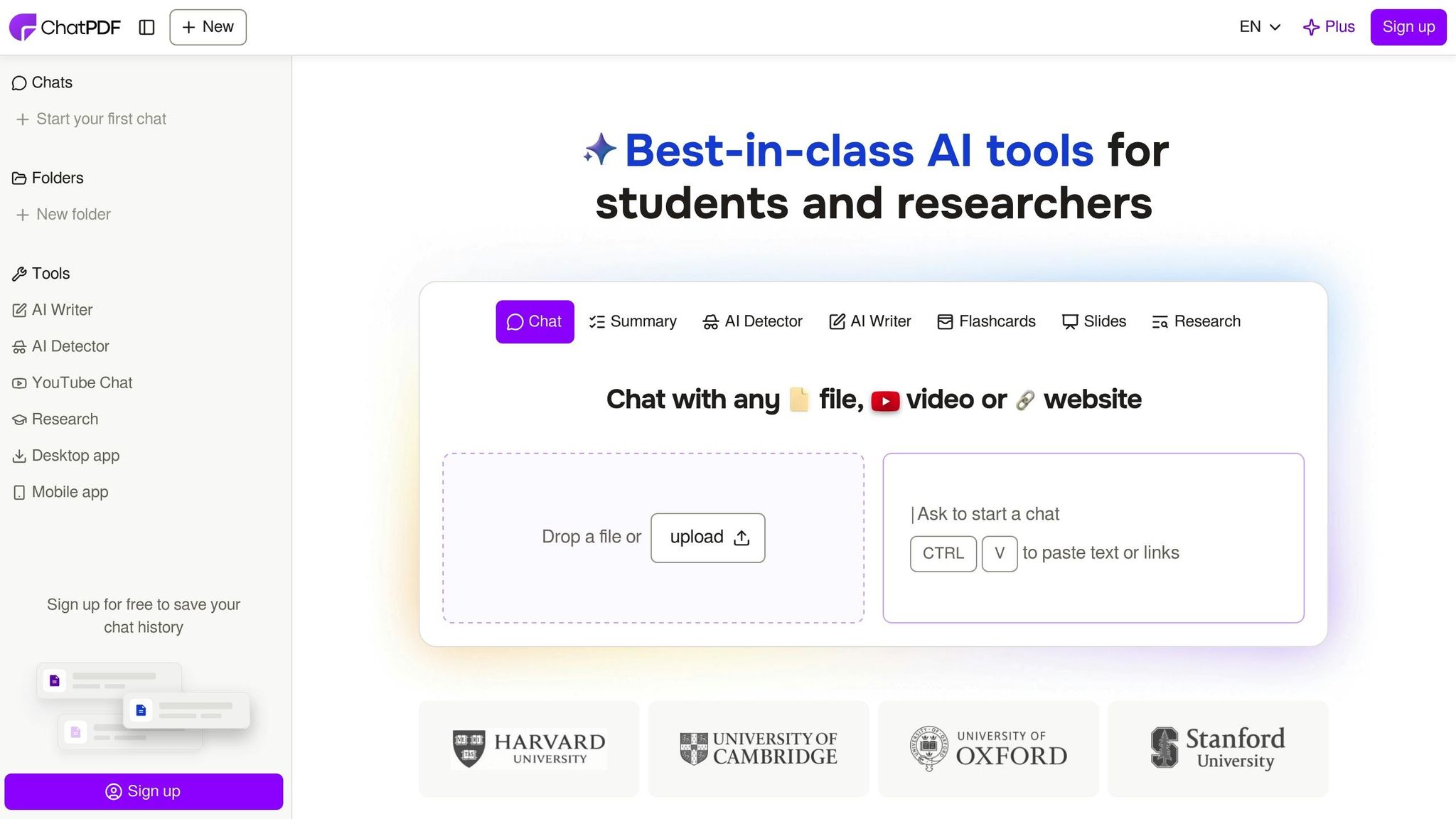
ChatPDF keeps things simple – no account is needed. Just drag your PDF into the browser and start asking questions. The tool processes over 1,000,000 queries daily and serves more than 10,000,000 researchers worldwide. One of its best features is clickable page references, allowing users to jump straight to the original content for verification.
This platform supports a wide range of file types, including PDF, Word, and PowerPoint, and works in major languages like English, Spanish, Chinese, Hindi, French, German, Italian, Portuguese, Russian, Japanese, Korean, and Arabic. Named one of the Top 50 Gen AI apps of 2024, ChatPDF is free for up to two PDFs daily without requiring registration.
Lumin PDF AI: Advanced Summarization with OCR
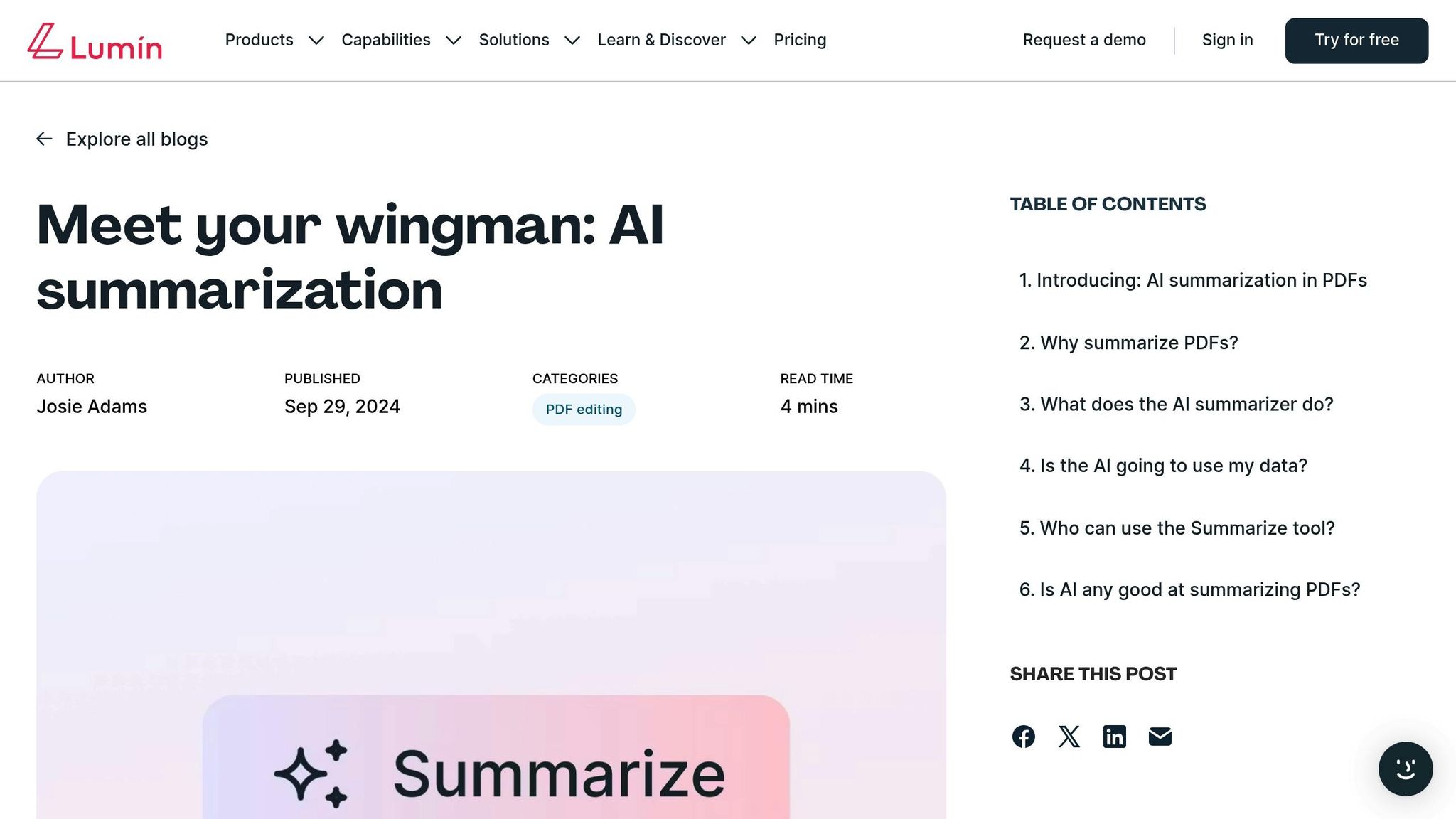
Lumin PDF AI stands out with its built-in OCR (Optical Character Recognition), which converts scanned documents and handwritten notes into searchable text before summarizing them. This makes it a great tool for handling image-based PDFs or printed materials. Trusted by over 100 million users, it also offers enterprise-grade security with 256-bit AES encryption and SOC 2 Type 2 certification.
The tool can process documents up to 20 MB, 15 pages, or 48,000 characters in size. Users can upload a file and use the "Regenerate" option to refine or create alternative summaries. As Josie Adams, an author at Lumin, puts it:
"AI and humans should be collaborators; it should supplement your work helpfully, not hallucinate an entire project for you".
Lumin PDF AI is available as part of the Pro plan, but a free beta version offers limited functionality. While it excels at OCR and managing document size limits, Adobe Acrobat AI takes a different approach with continuous processing.
Adobe Acrobat AI: Streamlined and Professional Summarization
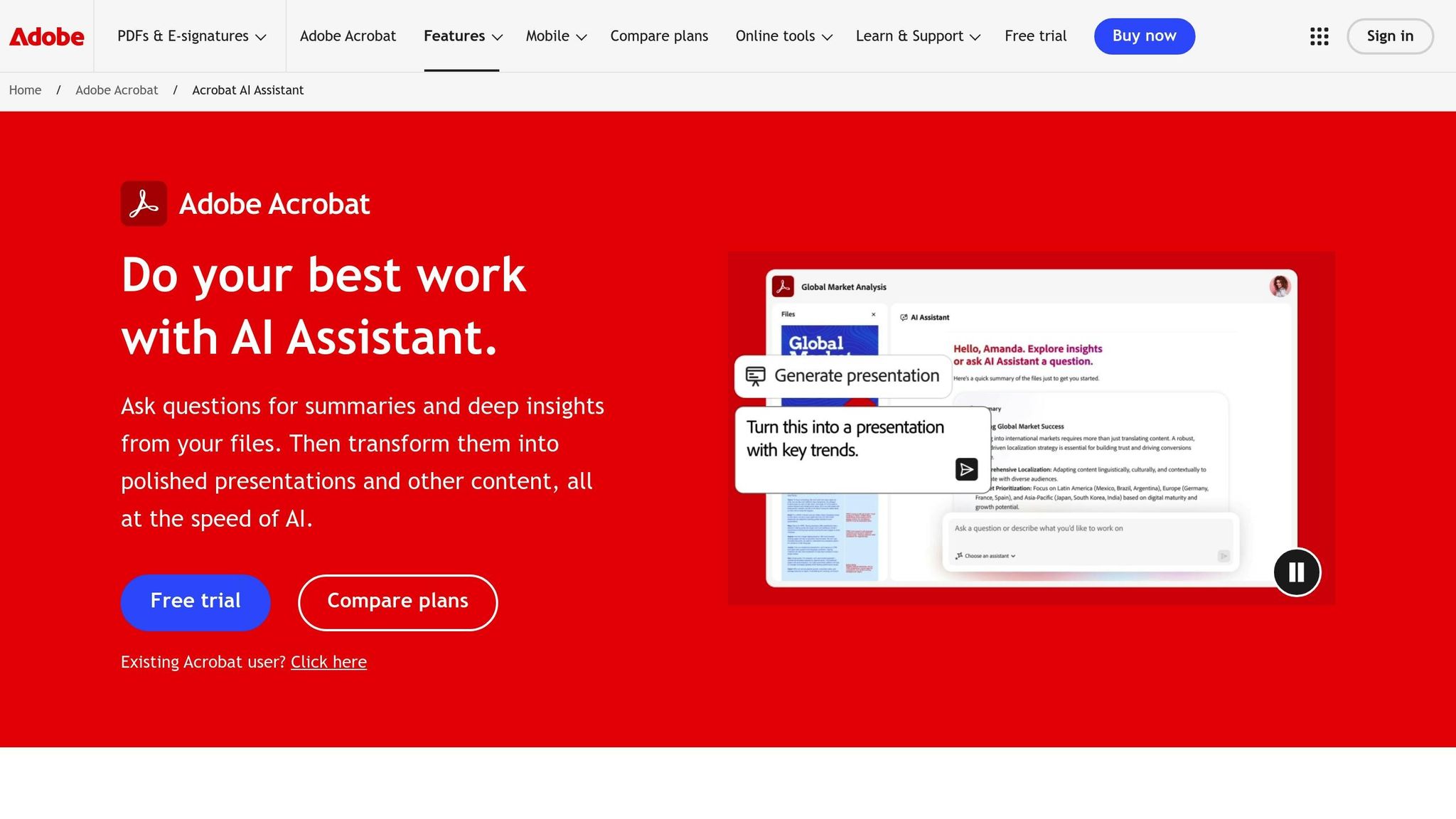
Adobe Acrobat AI introduces "Streaming Summaries", which breaks down PDFs into sections and processes them in real-time. This means you can start reading summarized content while the tool continues analyzing the rest of the document, saving you time with larger files. It also provides numbered attributions that link directly to the source content, making it easy to verify information.
The platform supports file types like PDF, DOCX, PPTX, TXT, and RTF, and includes a feature called "PDF Spaces" for analyzing multiple documents at once. Basic summary features are free without sign-in, but advanced tools like PDF Spaces require a subscription. Adobe ensures secure handling of files, with automatic deletion unless you choose to save your work by signing in. The Summary Generator has earned a 4.6/5 rating based on user reviews.
These tools highlight how browser-based solutions can simplify PDF summarization while eliminating the need for downloads or installations.
Refine PDF Summaries with BeLikeNative Chrome Extension
Once you’ve summarized your PDF, taking the time to refine it can make all the difference. A polished summary is not just clearer – it’s more effective for your audience. The BeLikeNative Chrome extension simplifies this process by working directly with your clipboard, helping you tweak and tailor summaries to match your exact needs. The result? Clear, accurate, and ready-to-use content.
BeLikeNative Features for PDF Text Refinement
BeLikeNative makes refining text quick and seamless. Just copy your summary, activate the extension, and it will rephrase, translate, or fine-tune your content in over 80 languages. This is especially handy for professionals who need to adapt their summaries for diverse, multilingual audiences.
Another standout feature is the ability to select customizable tones. Whether you need a formal academic tone, a casual conversational style, or something technical, BeLikeNative has you covered. This flexibility is perfect for creating polished outputs for reports, creative projects, or academic work – without the hassle of rewriting everything yourself. Plus, it integrates smoothly with platforms like WhatsApp Web, Google products, and Notion, so you can refine text wherever your workflow takes you.
BeLikeNative Pricing Plans
BeLikeNative offers pricing options to fit different usage levels:
- Explorer Plan: Free of charge, this plan allows 5 uses per day with a 500-character limit. It’s great for basic tasks like improving spelling, grammar, and clarity.
- Learner Plan: At $4/month, you get 25 uses daily with a 2,000-character limit, plus access to editable functions and shortcuts.
- Native Plan: For $6/month, this plan includes 50 daily uses, a 4,000-character limit, priority bandwidth, and even lets you contribute feedback for new features.
- Premium Plan: Priced at $14/month, this plan is ideal for power users, offering 125 daily uses, a 6,000-character limit, partnership perks, and the option for a lifetime license after two years.
No matter your needs, BeLikeNative provides a plan to help you refine and elevate your PDF summaries with ease.
sbb-itb-32359dc
Browser PDF Summarization Tools: Feature Breakdown
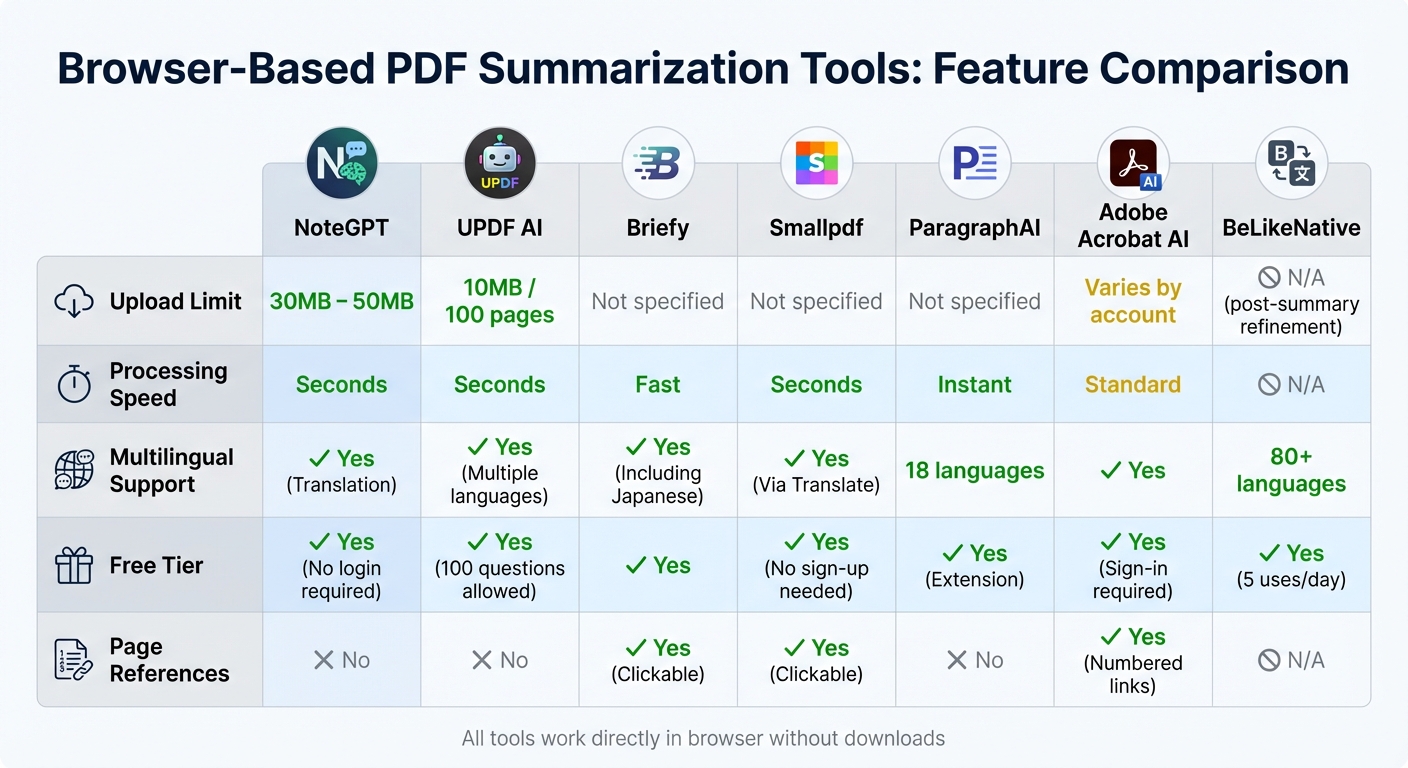
This section dives into the details of how various PDF summarization tools differ in their features, helping you decide which one fits your workflow best. Key aspects like upload limits, processing speed, and multilingual support vary widely between tools, each playing a role in how efficiently you can work. For example, NoteGPT supports files as large as 50MB, while UPDF AI limits uploads to 10MB or 100 pages. If you’re dealing with lengthy manuals or extensive reports, these restrictions can directly influence your productivity.
Most tools generate summaries in just seconds, but the Chrome Summarizer API stands out by offering real-time, streaming results. This means you can see the summary as it’s being created, which is particularly handy when reviewing multiple documents back-to-back.
Multilingual support is another crucial feature for users working with documents in different languages. Tools like ParagraphAI, UPDF AI, and Paraphraser.io offer support for multiple languages, making them versatile options for diverse workflows. The comparison table below outlines key features across leading tools.
PDF Summarization Tools: Side-by-Side Comparison
| Tool | Upload Limit | Processing Speed | Multilingual Support | Free Tier | Page References |
|---|---|---|---|---|---|
| NoteGPT | 30MB – 50MB | Seconds | Yes (Translation) | Yes (No login required) | No |
| UPDF AI | 10MB / 100 pages | Seconds | Yes (Multiple languages) | Yes (100 questions allowed) | No |
| Briefy | Not specified | Fast | Yes (Including Japanese) | Yes | Yes (Clickable) |
| Smallpdf | Not specified | Seconds | Yes (Via Translate) | Yes (No sign-up needed) | Yes (Clickable) |
| ParagraphAI | Not specified | Instant | 18 languages | Yes (Extension) | No |
| Adobe Acrobat AI | Varies by account | Standard | Yes | Yes (Sign-in required) | Yes (Numbered links) |
| BeLikeNative | N/A | N/A | 80+ languages | Yes (5 uses/day) | N/A (Post-summary refinement) |
Some tools, like Briefy, Smallpdf, and Adobe Acrobat AI, include page reference features that allow you to click through to the original document for verification. This is a must-have for users who need to fact-check AI-generated summaries. On the other hand, BeLikeNative takes a different approach – it doesn’t summarize PDFs directly. Instead, it refines summaries you’ve already created, offering text enhancements in over 80 languages with customizable tones tailored to different audiences.
Conclusion
Browser-based PDF summarization tools make it incredibly easy for professionals to extract key details from lengthy documents in just seconds – no downloads required. With over 80 million users and more than 10 million files processed, these tools are reshaping how we approach productivity.
As Sarah Johnson puts it:
"AI PDF Summarizer is a game-changer for my research. It saves me hours by summarizing long articles and extracting key points efficiently".
These tools stand out with features like interactive querying, multilingual support, and visual mind mapping, all designed to save time and improve understanding. Legal analyst Lisa Brown shares her experience:
"This PDF Summary tool has made reviewing lengthy legal documents much more manageable. The ability to extract PDF to text and summarize content is a huge time-saver".
Once you’ve extracted the essential insights, you can refine them further with BeLikeNative. This Chrome extension transforms basic summaries into polished, professional text in over 80 languages. Whether you’re tailoring your message for different audiences or ensuring accuracy in multilingual projects, BeLikeNative integrates effortlessly into your workflow with customizable shortcuts and clipboard functionality. It’s the perfect follow-up to browser-based summarization.
FAQs
How do browser-based tools keep PDF summarization secure?
Browser-based tools offer a safer way to summarize PDFs by working directly within your browser. This setup eliminates the need to upload files to external servers or download extra software, minimizing risks like malware, viruses, or unauthorized data access. Many of these tools handle files locally on your device, ensuring that sensitive information stays within your network.
To further enhance security, trusted tools often incorporate encryption and adhere to strict security measures to protect your data. Opting for solutions that prioritize privacy and avoid collecting unnecessary information is essential for keeping your data secure while summarizing PDF content.
What are the limitations of using free PDF summarization tools?
Free PDF summarization tools can be quite handy, but they come with their fair share of drawbacks. A major hurdle is the word or character limit, which often restricts you to summarizing only small sections of text at a time. Features like adjustable summary lengths, multilingual support, or integration with other platforms are usually locked behind a paywall.
Another issue lies in the accuracy and speed of these tools. Free versions might deliver summaries that are less precise or lack detail, and they often struggle with large or complex documents. If you need to use these tools frequently or require more advanced capabilities, opting for a paid plan might be the only way to access their full range of features.
Can these tools summarize PDFs with complex layouts or images?
Many of these tools are built to manage PDFs with intricate layouts, including those featuring images or scanned content. Tools equipped with OCR (Optical Character Recognition) can extract and summarize text from image-based PDFs, making them particularly handy for documents with unconventional formatting. While the accuracy can depend on the tool and the complexity of the file, they typically do a solid job of breaking down and simplifying detailed content.

