
Ai Grammar Fixers That Improve Your Writing Instantly
These tools analyze your text and provide suggestions for grammar, punctuation, style, and clarity. They are useful for writers of all levels and even support multiple languages. Here is a quick look at five popular options of AI grammar fixers:
- BeLikeNative: Instant grammar fixes, rephrasing, and translation for 80+ languages. Works across platforms like Google Workspace and WhatsApp Web. Plans start at $6/month.
- QuillBot: Fixes grammar, spelling, and punctuation in one click. Supports multiple languages and offers free and premium plans.
- LanguageTool: Checks grammar, style, and punctuation in 30+ languages. Premium plan includes advanced features like Picky Mode for detailed feedback.
- Ginger: Provides context-aware corrections, sentence rephrasing, and translation for 40+ languages. Includes a personal training tool to improve skills.
- Wordvice AI: Offers detailed editorial feedback with explanations, helping you learn while you edit. Includes a Microsoft Word add-in.
AI Grammar Fixers: Quick Comparison
| Tool | Key Features | Languages | Monthly Price |
|---|---|---|---|
| BeLikeNative | Grammar, rephrasing, translation | 80+ languages | $6.00 |
| QuillBot | Grammar, spelling, punctuation fixes | Multiple | $19.95 |
| LanguageTool | Grammar, style, punctuation checks | 30+ languages | $13.99 |
| Ginger | Context-aware corrections, rephrasing | 40+ languages | $13.99 |
| Wordvice AI | Detailed feedback, learning tools | Multiple | $9.95 |
Each tool has unique strengths, so choose one that fits your writing needs and budget. Whether you’re editing short messages or long documents, these tools help you write clearly and accurately.
Transform Any Text, On Any Site, In Seconds
Rephrase, translate, and improve text with one shortcut. Works everywhere you write.
Add to Chrome - It's Free!Best AI Grammar Checker: 8 Top Choices
1. AI Grammar Fixer: BeLikeNative
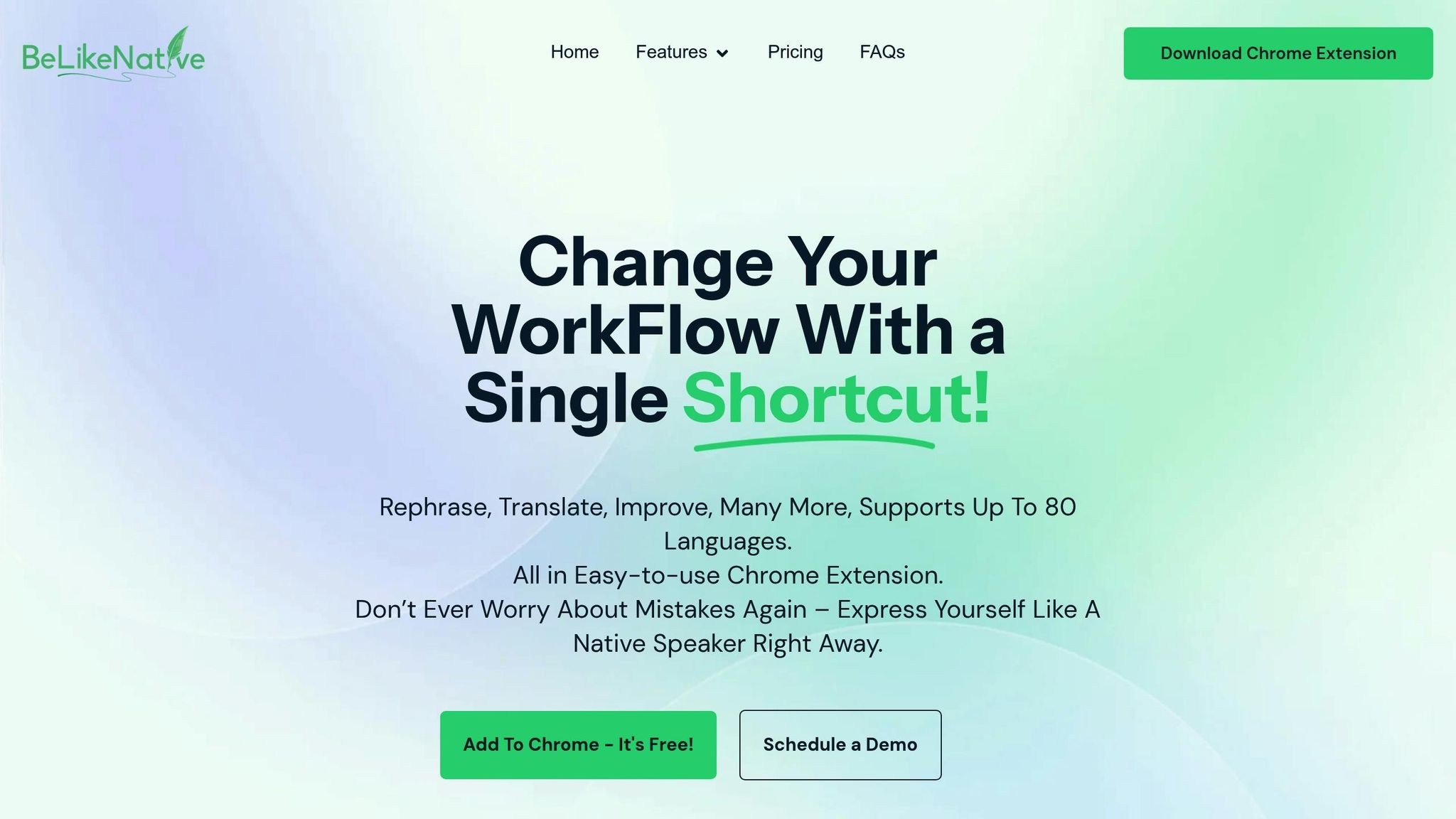
BeLikeNative is a Chrome extension designed to boost productivity in over 80 languages. It integrates directly with your clipboard, allowing you to refine text instantly with just a keyboard shortcut – no need to switch between apps.
Key Features:
- Instant grammar corrections
- Rephrasing capabilities
- Works seamlessly with tools like WhatsApp Web, Google Workspace, and Notion
This setup makes it easy to edit text quickly across all your favorite platforms.
Subscription Plans:
BeLikeNative offers several plans to suit different needs:
| Plan | Daily Uses | Max Characters/Use | Features |
|---|---|---|---|
| Explorer | 5 | 500 | Basic spelling and grammar checks in 80+ languages |
| Learner | 25 | 2,000 | Custom shortcuts and advanced editing tools |
| Native | 50 | 4,000 | Priority access and input on feature development |
| Premium | 125 | 6,000 | Lifetime license option and partnership perks |
With options for tone and style adjustments, BeLikeNative ensures your writing remains clear and polished while staying true to your personal voice. The Premium plan, with its 6,000-character limit per use, is perfect for professionals handling lengthy documents. Whether you’re a native or non-native speaker, this tool is built to deliver precision and ease.
2. AI Grammar Fixers QuillBot
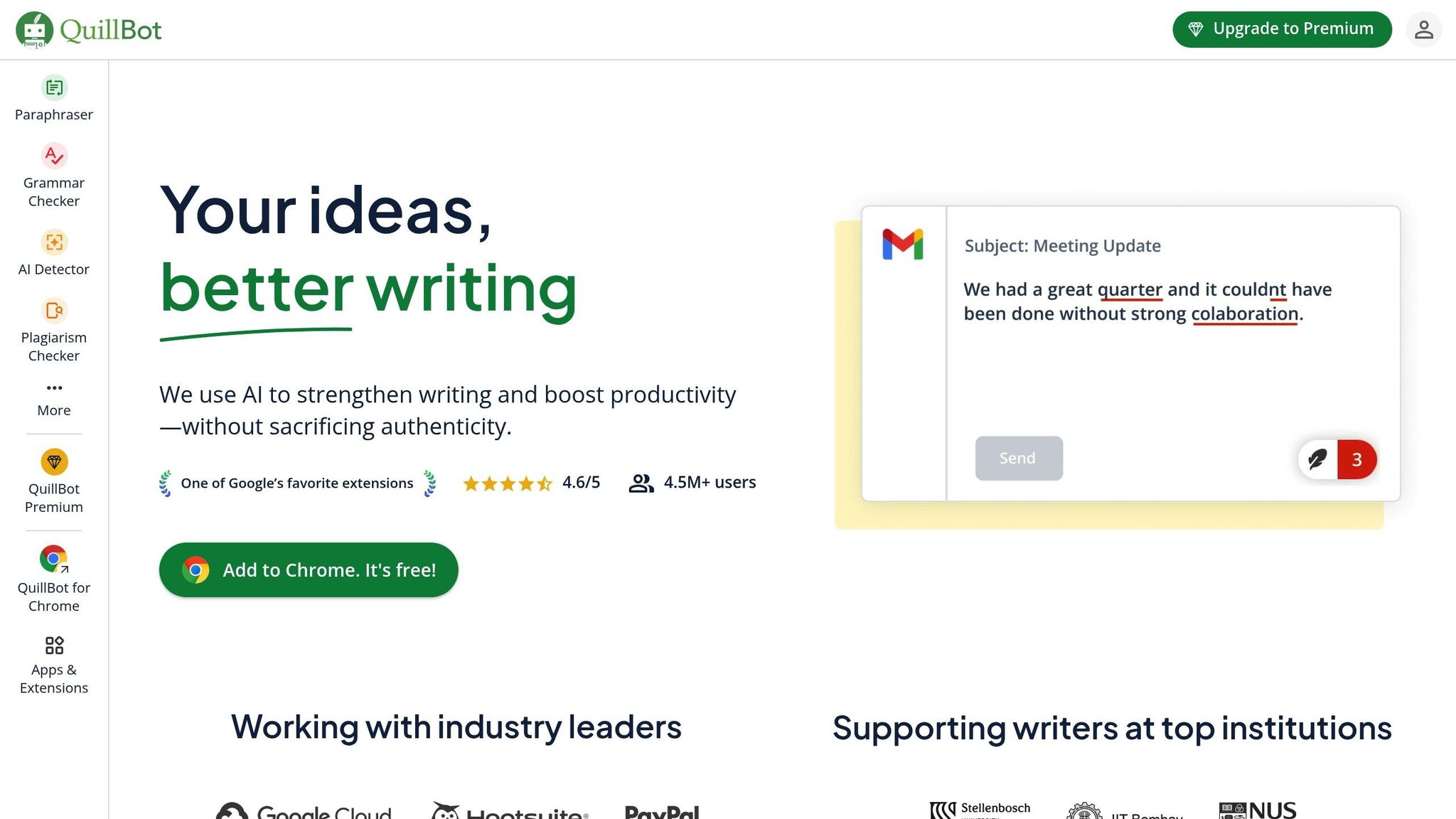
QuillBot provides quick grammar fixes with just one click, seamlessly integrating into your workflow. It supports over 35 million writers across 180+ countries and collaborates with more than 140 institutions.
Grammar Correction Features
QuillBot’s AI tackles grammar, spelling, and punctuation errors in one go. It also offers contextual suggestions for multiple languages, including English (US, UK, AU), Spanish, German, Dutch, French, and Brazilian Portuguese.
Here are some examples of how it enhances writing:
| Error Type | Before | After |
|---|---|---|
| Subject-verb agreement | My mom like pizza and tacos. | My mom likes pizza and tacos. |
| Word misuse | The affect of this change is unclear. | The effect of this change is unclear. |
| Possessive plural nouns | You need both of your parent’s permission. | You need both of your parents’ permission. |
User Testimonials
I use the paraphrasing tool for unique phrasing without losing context. – Daniel Völk, Published author
QuillBot also visually highlights errors, making it easier for users to understand and learn from their mistakes. This feature helps improve writing skills over time.
Both free and premium plans are available, allowing users to refine drafts into polished content instantly.
Next up, LanguageTool takes corrections further with advanced style analysis.
3. AI Grammar Fixers LanguageTool
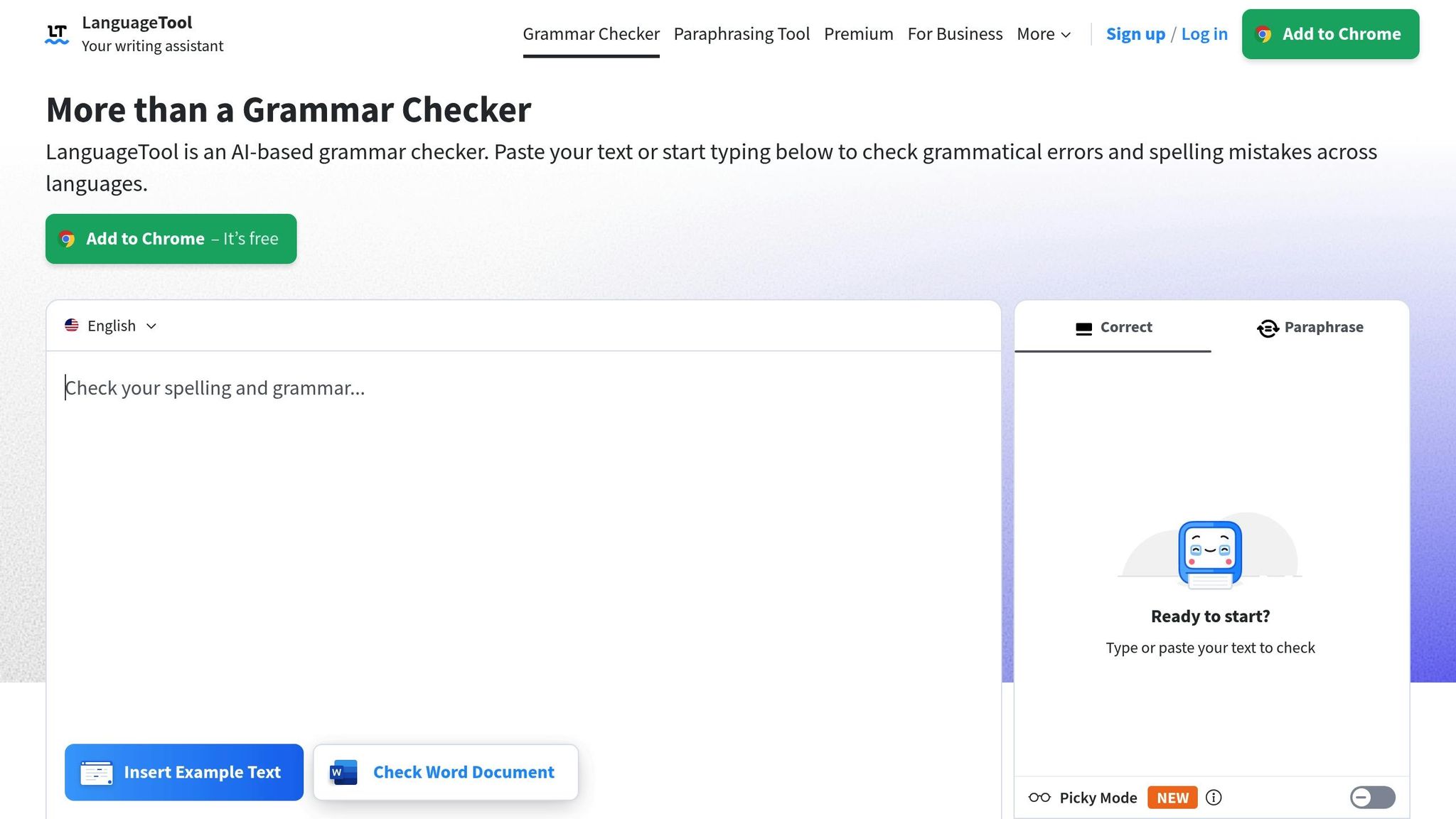
LanguageTool, used by more than 4 million writers, is a tool for checking grammar, spelling, punctuation, and style in over 30 languages.
Advanced Error Detection
| Error Type | What It Identifies | How It Improves Writing |
|---|---|---|
| Grammar | Complex grammar mistakes | Provides accurate grammatical fixes |
| Style | Redundant phrases, clichés | Suggests polished alternatives |
| Punctuation | Misplaced or missing punctuation | Ensures proper punctuation usage |
| Capitalization | Incorrect casing for names, places, etc. | Automatically corrects capitalization |
Multilingual Support
LanguageTool can detect the language you’re writing in after just five words. It also flags “false friends”, which are words that look similar in different languages but have different meanings.
Picky Mode
The Picky Mode feature goes a step further, offering detailed feedback on long or complex sentences, redundant phrases, false friends, synonyms, and overall tone.
Integration Options
LanguageTool integrates seamlessly with multiple platforms:
- Browser extensions for Chrome, Firefox, Safari, Opera, and Edge
- Add-ons for Google Docs and Microsoft Word (Windows, Mac, and online)
- Dedicated desktop and mobile apps for Windows, macOS, and iOS
The free version handles basic spelling and punctuation checks, while the Premium version provides more in-depth error detection and advanced style suggestions.
Up next, we’ll take a closer look at Ginger, another tool designed to elevate your writing.
sbb-itb-32359dc
4. AI Grammar Fixer Ginger
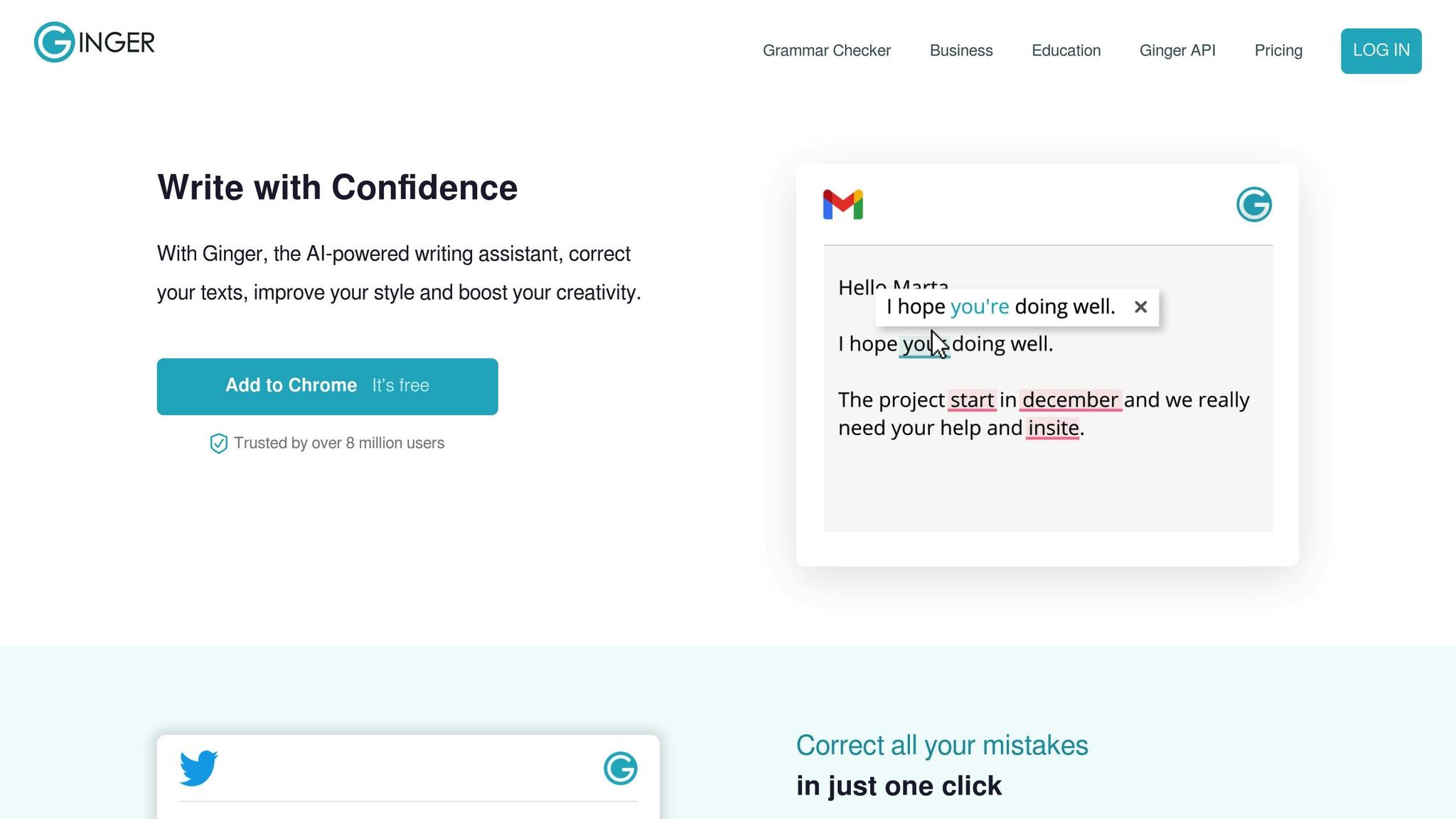
Ginger stands out with its combination of context-aware corrections and a personalized training tool. While LanguageTool focuses on catching false friends and style issues, Ginger offers a more interactive approach. With over 8 million users, it boasts a 99% accuracy rate in grammar correction and identifies five times more errors than Microsoft Word.
Key Features
- Contextual grammar and spelling corrections to ensure accuracy.
- Sentence rephraser for smoother, more natural phrasing.
- Translation support for over 40 languages.
- Personal Trainer offering customized exercises to refine your writing.
The built-in training feature helps users improve their writing skills in real-time, making it a great tool for both native and non-native speakers.
Pricing
Ginger offers flexible plans:
- $4.99/month (two-year plan)
- $6.99/month (annual plan)
- $11.99/month (quarterly plan)
- $13.99/month (monthly plan)
Special discounts are available for students and teachers.
Integration
Ginger is compatible with browsers, desktops, and mobile devices, making it accessible wherever you write.
“A must-have for strong English writing.” – TechCrunch
Next: Wordvice AI’s tailored editing workflows.
5. AI Grammar Fixer Wordvice AI
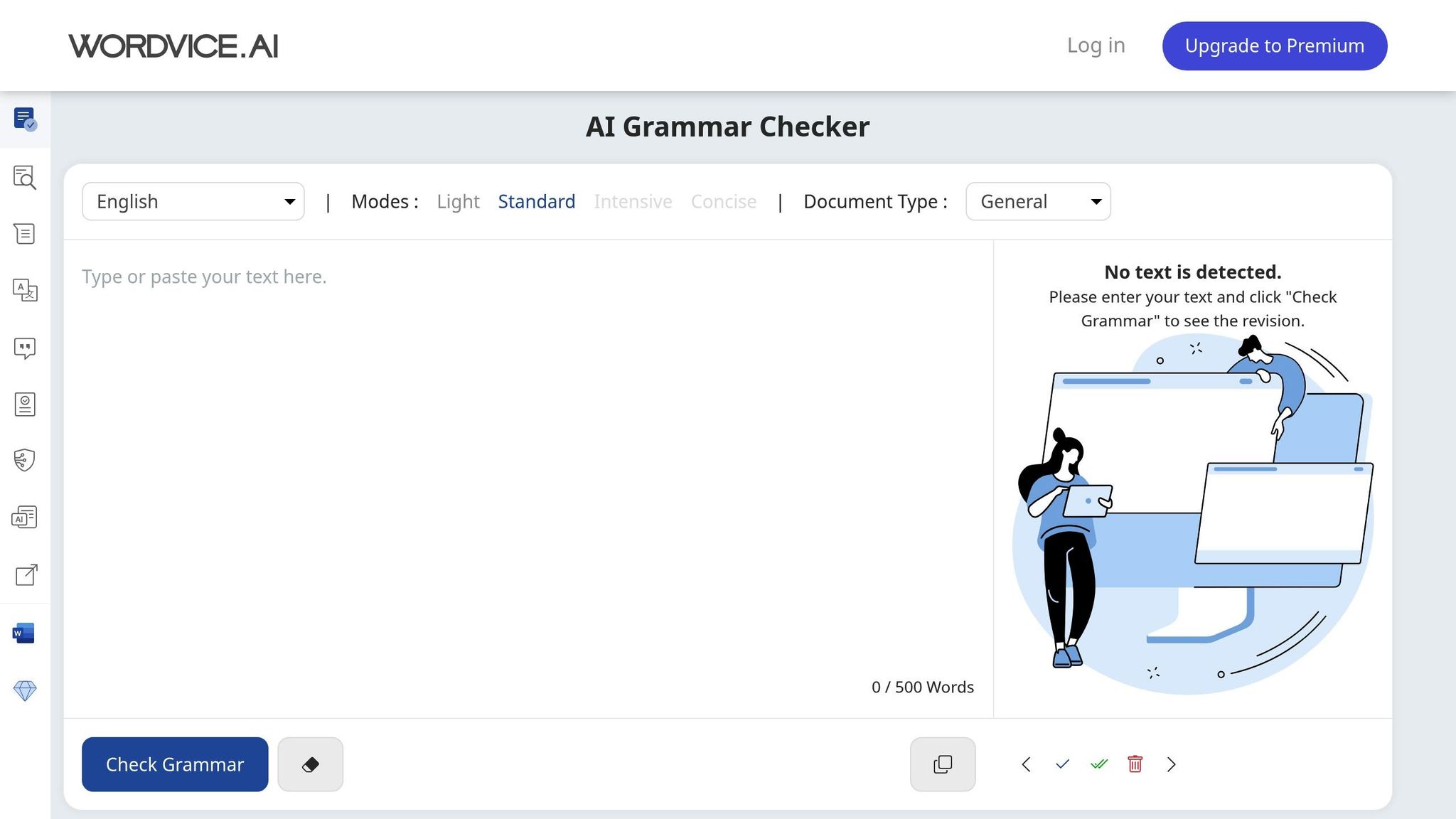
Wordvice AI is designed to provide detailed editorial feedback directly within Word documents, making it a handy tool for improving your writing.
This tool includes a Microsoft Word add-in that offers instant corrections for grammar, spelling, punctuation, style, phrasing, and vocabulary. On top of that, it provides detailed comments explaining each change, turning every edit into a learning opportunity. It supports multiple languages, making it a good choice for those looking to improve their multilingual writing skills.
Key Features
Wordvice AI’s Grammar Checker not only fixes errors but also explains the corrections, helping users understand grammar rules and improve their writing over time.
Pricing & Tools
- Free online checker available. Premium access includes features like AI Proofreader, Paraphraser, Translator, Summarizer, and Plagiarism Checker.
- Microsoft Word add-in allows seamless in-document editing and feedback.
Check out the next section to compare the features and find the best AI tool for your needs.
AI Grammar Fixers: Features At A Glance
The five tools listed above differ in terms of accuracy, language support, and pricing. Below is a side-by-side comparison to help you evaluate their features and decide which one suits your needs.
| Tool | Accuracy Rating | Key Features | Language Support | Monthly Price |
|---|---|---|---|---|
| BeLikeNative | Not rated | • Rephrasing, translation, and text improvement • Clipboard integration • Customizable tone and style • Works across platforms | 80+ languages | $6.00 |
| QuillBot | High | • Grammar check • Variety of writing tools • Browser extension | Not specified | $19.95 |
| LanguageTool | Medium | • Grammar and spelling checks • Translation support • Higher character limit in Premium | Multiple languages | $13.99 |
| Ginger | Low | • Grammar checker • Sentence rephraser • Translation tool | 40+ languages | $13.99 |
| Wordvice AI | High | • Grammar, punctuation, and style suggestions • Vocabulary improvement • Multiple writing tools | Multiple languages | $9.95 |
Most tools provide free basic features, while premium plans remove restrictions and unlock advanced options. When choosing a tool, think about your writing needs, the languages you work with, available integrations, and your budget. Use this breakdown to find the tool that aligns with your workflow.
Conclusion
AI grammar tools have changed the way we write, making it easier to create clear, polished, and impactful content. These tools improve communication across different platforms and content formats.
Each AI tool offers unique benefits to streamline your writing process. By using them regularly, you can spot recurring mistakes and improve your skills over time. Whether it’s quick clipboard edits or detailed in-document suggestions, these tools work seamlessly across various platforms.
Using an AI grammar tool not only boosts confidence but also helps ensure your message connects with your audience. Get instant edits and improved writing in multiple languages. Try BeLikeNative today to write with ease and precision.
Related posts
BeLikeNative fixes grammar, rephrases, translates, and simplifies text on any website in 1 second — just highlight and hit a keyboard shortcut. No tab switching. Try it free →


12 Comments
Instantly Translate WhatsApp Web Messages To English - BeLikeNative
December 18, 20253:52 am
[…] This plan allows up to 5 translations per day, each capped at 500 characters, and includes basic grammar correction tools – perfect for dipping your toes […]
Professional Writers: Top 5 AI-Powered Time-Saving Features
December 18, 20257:19 pm
[…] Instantly Translate WhatsApp Web Messages To English – BeLikeNative on Ai Grammar Fixers That Improve Your Writing Instantly […]
Best LanguageTool Alternative For Privacy Focused Users - BeLikeNative
February 4, 202612:01 am
[…] Desktop App: Offers advanced AI grammar fixers for English writing analysis with strong encryption but relies on cloud-based processing, which may […]
How To Write Professional Rejection Emails Fast - BeLikeNative
February 8, 20261:31 am
[…] tiers, catering to a range of usage requirements. The Explorer plan is free and includes basic spelling and grammar checks, with 5 uses per day and a 500-character limit – ideal for occasional emails. For $4/month, […]
Fix Chinglish In Business Documents Instantly - BeLikeNative
February 18, 20263:41 am
[…] faster results, tools like BeLikeNative can polish your writing instantly. This AI-powered extension corrects awkward sentences, improves tone, and ensures clarity. With plans starting at $0, it’s accessible for everyone, […]
Fix Hindi To English Tense Confusion In Emails - BeLikeNative
March 6, 20263:53 am
[…] writing emails using templates and AI grammar tools to refine your […]
Best AI Tool For Rewriting Code Documentation - BeLikeNative
March 12, 20263:12 am
[…] tone. It even offers multiple paraphrasing styles to align with your preferred standards. Plus, its grammar checker doesn’t just catch spelling mistakes – it identifies technical errors that other tools might overlook. According to users, […]
Fix "Run On Sentences" In Student Essays - BeLikeNative
March 14, 20262:22 am
[…] that stretch beyond 40 words, it recommends breaking them into shorter, more readable ones. Its AI-powered rephrasing tool can restructure sentences with dependent clauses or proper conjunctions, improving clarity and […]
How To Write A Blog Post Intro That Hooks Readers - BeLikeNative
March 17, 20263:12 am
[…] time to polish it up. BeLikeNative makes this process effortless with tools that help you rephrase clunky sentences, adjust the tone to suit your audience, and even translate your hooks for a global readership. With […]
Best Grammar Checker For French Speakers Writing In English - BeLikeNative
March 24, 20263:39 am
[…] plans come with spelling and grammar correction, clarity improvements, and secure data […]
How To Write Viral X Replies Using AI - BeLikeNative
March 24, 20263:43 am
[…] plan includes features like spelling and grammar checks, clarity improvements, and customizable shortcuts. Higher-tier plans also come with perks like […]
Best Chrome Extension For Learning English Vocabulary While Working - BeLikeNative
March 25, 20262:37 pm
[…] AI grammar fixers and spelling checks for real-time improvement. […]
Comments are closed.