
Best AI Text Expander For Chrome Browser
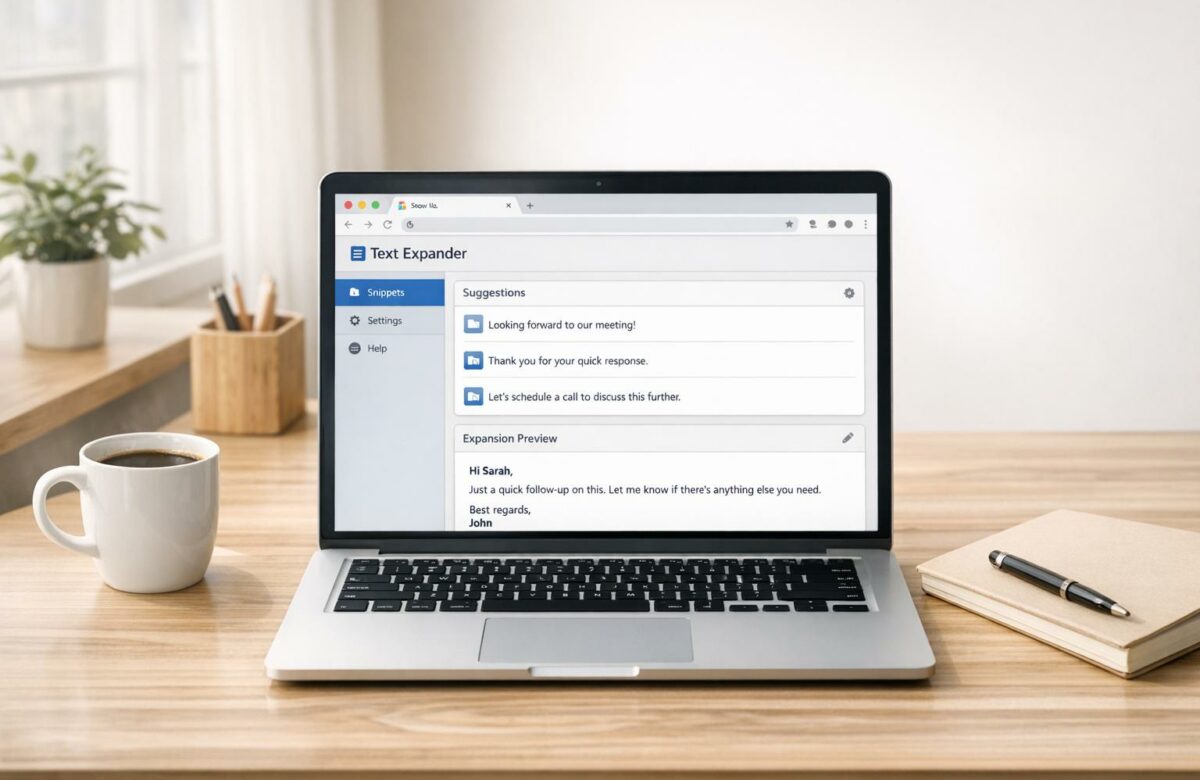
Tired of typing the same things repeatedly? AI text expanders can save you time by turning shortcuts into full text blocks, templates, or forms. Tools like BeLikeNative, Text Blaze, and Magical are leading Chrome extensions designed to boost productivity. Here’s what you need to know:
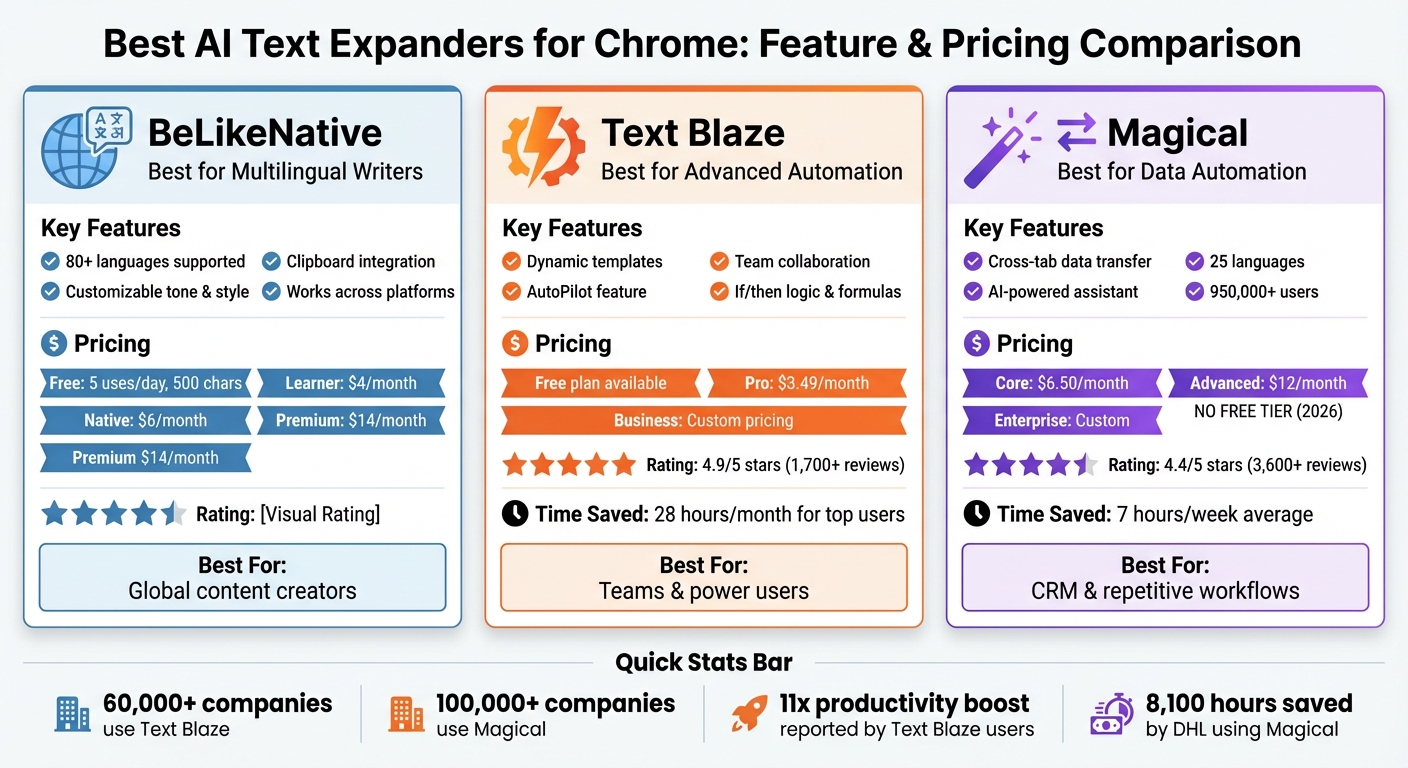
- BeLikeNative: Focuses on multilingual support (80+ languages), customizable tones, and clipboard integration. Plans start at $4/month.
- Text Blaze: Offers dynamic templates, advanced logic, and team collaboration tools. Free plan available; Pro plan starts at $3.49/month.
- Magical: Automates data entry and supports 25 languages. Plans begin at $6.50/month but no free tier in 2026.
These tools can save you hours every week, whether you’re drafting emails, managing customer data, or creating templates. Below, we break down their features, pricing, and best use cases to help you choose the right one.
Quick Comparison:
| Tool | Key Features | Pricing | Best For |
|---|---|---|---|
| BeLikeNative | Multilingual support, tone control | Starts at $4 | Writers handling global tasks |
| Text Blaze | Dynamic templates, team sharing | Starts at $3.49 | Advanced automation |
| Magical | Data automation, cross-tab features | Starts at $6.50 | CRM and repetitive workflows |
Keep reading to find out which tool fits your needs.
AI Text Expander Chrome Extensions Comparison: Features and Pricing
1. BeLikeNative

Features and Functionality
BeLikeNative is an AI-powered writing assistant that works seamlessly within Chrome. It integrates directly into your browser’s text fields, letting you improve, translate, or tweak your writing with just a few clicks. Simply copy your text, use a shortcut, and instantly get rephrased suggestions, translations, or style adjustments. You can also customize the language, tone, and style to match your personal writing voice – whether you’re crafting a quick message or a detailed document. These features make it a versatile tool for anyone looking to refine their communication.
Multilingual Support
With support for over 80 languages, BeLikeNative goes beyond basic translation. It adapts your content to reflect the nuances and stylistic preferences of each language, ensuring your message resonates with international audiences. This makes it a valuable asset for professionals who need their writing to be both accurate and culturally appropriate.
Integration and Compatibility
BeLikeNative is designed to work effortlessly within Chrome and supports popular platforms like Gmail, LinkedIn, Slack (web version), and WhatsApp (web version). It also integrates smoothly with tools like Google products and Notion, allowing you to enhance your writing wherever you type. This streamlined compatibility ensures you can maintain a consistent and polished writing experience across your daily tasks.
Pricing and Plans
BeLikeNative offers flexible plans to suit different needs:
- Explorer – Free plan: 5 uses per day with a 500-character limit.
- Learner – $4/month: 25 uses per day and a 2,000-character limit.
- Native – $6/month: 50 uses per day with a 4,000-character limit.
- Premium – $14/month: 125 uses per day and a 6,000-character limit.
Paid plans include additional perks like editable functions, customizable shortcuts, and priority support, making it easy to find a plan that fits your specific requirements.
2. Text Blaze
Features and Functionality
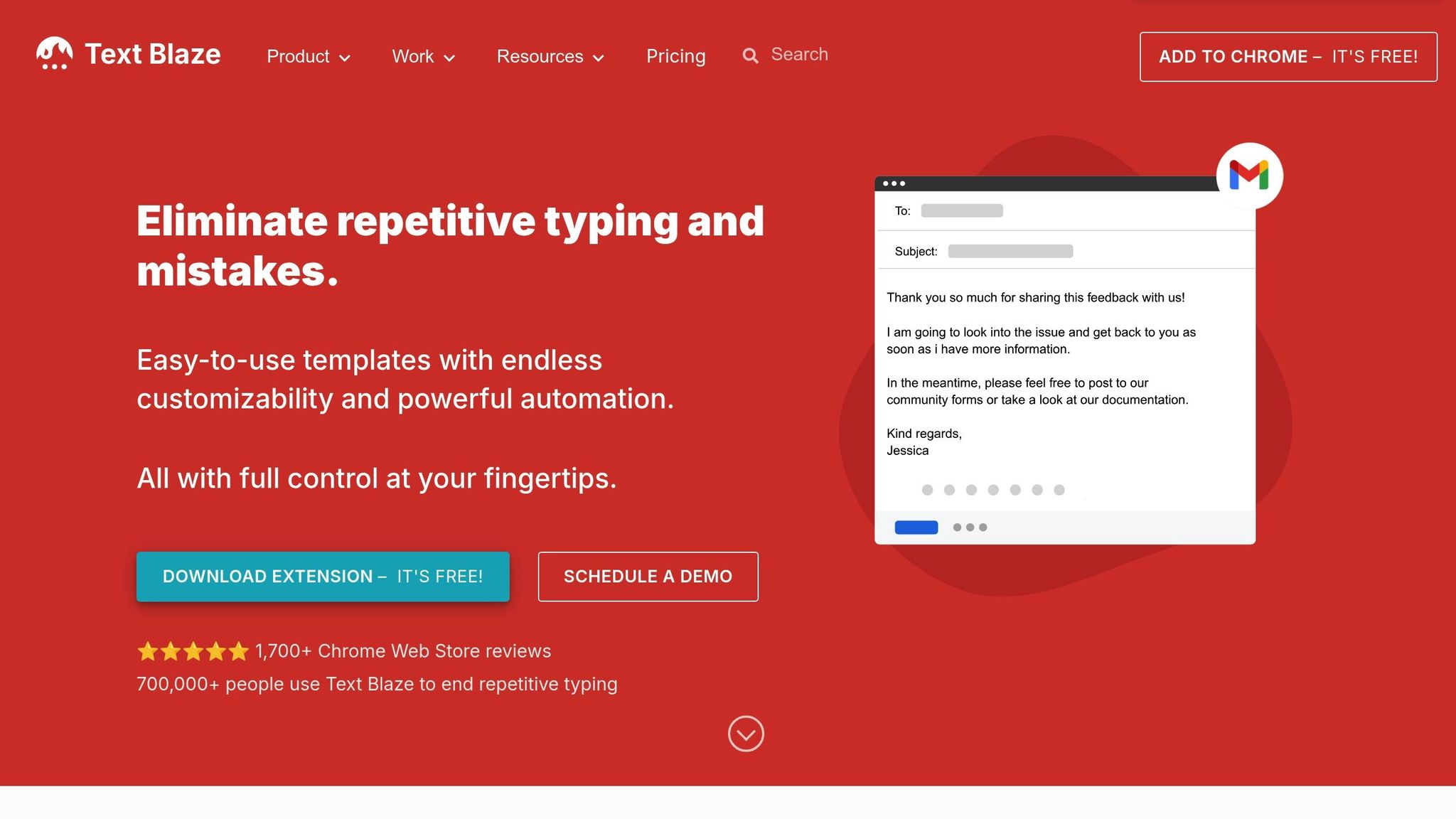
Text Blaze simplifies repetitive typing tasks with its dynamic snippets and AI-powered capabilities. The concept is simple: you create shortcuts for frequently used text – like typing "/ty" to instantly expand into a thank-you message. Plus, with its AI Write feature, you can generate or refine snippets based on your descriptions.
One standout feature is its dynamic templates. These templates go beyond static text and include fillable fields, dropdown menus, date offsets, and even conditional logic to adapt snippets based on specific scenarios. Need real-time calculations, like figuring out tax amounts? Text Blaze has built-in formulas to handle that seamlessly.
The AutoPilot feature takes automation further by navigating and filling out forms automatically. It can even pull data from websites or browser tabs to customize templates or follow specific rules. For teams, Text Blaze offers shared folders, creating a centralized library of snippets. When a snippet is updated, the changes sync instantly for all team members. Its flexibility extends across devices and platforms, making it a versatile tool for boosting productivity.
Integration and Compatibility
Text Blaze integrates effortlessly into your workflow as a Chrome extension, with additional standalone apps for macOS and Windows. It has earned an impressive 4.9/5 rating from over 1,700 reviews on the Chrome Web Store, a testament to its reliability and ease of use. With adoption across more than 60,000 companies, it’s clear that Text Blaze has become a go-to solution for many.
Pricing and Plans
Text Blaze provides a free version through the Chrome Web Store, offering essential snippet and template features at no cost. For businesses and teams, the Text Blaze Business plan includes advanced options like shared folders and centralized management. According to the platform’s data, top users save over 28 hours each month, while the average user sees a productivity boost of 11x with snippet usage.
3. Magical
Features and Functionality
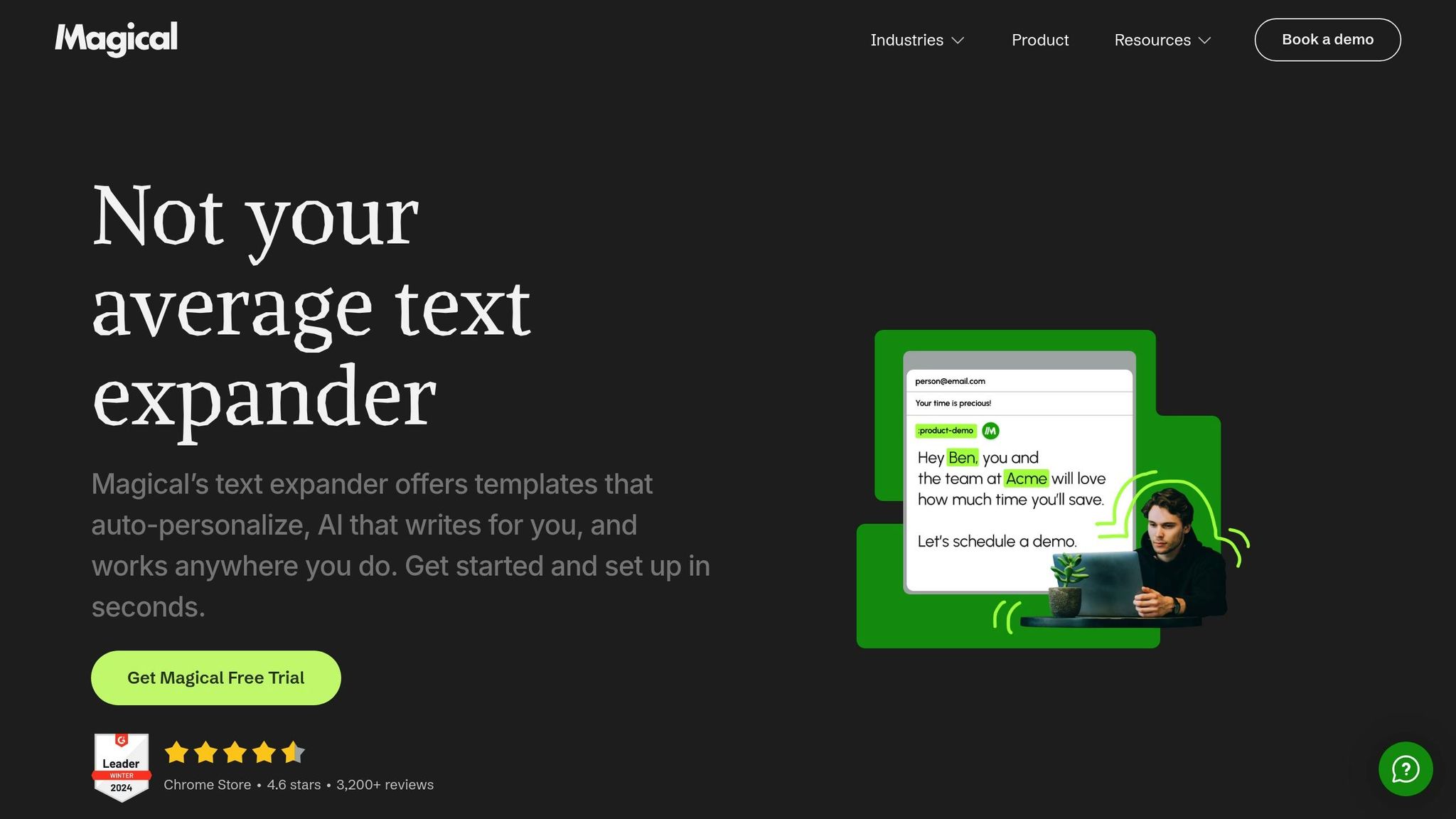
Magical combines text shortcuts with smart data transfer using its Variables feature, which automatically fills templates with information from open browser tabs.
Imagine you’re viewing a LinkedIn profile and working in your CRM simultaneously. Magical can pull details like the person’s name, company, and job title from LinkedIn and insert them directly into your CRM – showcasing its impressive cross-tab capabilities. On top of that, it includes an AI-powered assistant to help you draft messages and create templates, eliminating the hassle of starting from scratch.
The best part? It works seamlessly across millions of applications without the need for APIs or complicated setups. For example, DHL‘s customer service team saved over 8,100 hours by leveraging Magical’s automation tools, while Mission Lane‘s support team reclaimed more than 25,000 hours using its templates and automation features. Dr. Laurence Beer from TCPA Healthcare shared his experience:
"What used to take five or six mouse clicks, I can now do in Magical with a single click".
Integration and Compatibility
Magical operates as a Chrome extension (also compatible with Microsoft Edge) and works directly within your browser – no extra software installations needed. It has received a 4.4/5 rating from roughly 3,600 reviews on the Chrome Web Store and is trusted by over 950,000 users across more than 100,000 companies.
The tool integrates smoothly with popular platforms like Salesforce, Zendesk, Gmail, HubSpot, Greenhouse, and Epic, making it a versatile addition to any workflow.
Multilingual Support
Magical supports 25 languages, including English (US/UK), Spanish (both Spain and Latin America), French, German, Italian, Portuguese (Brazil), Russian, Hindi, Bengali, Thai, Chinese (Simplified and Traditional), Japanese, and Korean. This makes it a great choice for teams working across borders or handling multilingual tasks.
Pricing and Plans
Magical offers three subscription tiers. The Core Plan is priced at $6.50 per month (or $66 annually), while the Advanced Plan – which includes features like team folder sharing and permission management – costs $12 per month (or $120 per year). For larger organizations, there’s an Enterprise Plan with custom pricing. On average, users save over 7 hours of repetitive work each week.
sbb-itb-32359dc
Magical AI Review – AI Productivity, Text Expander & Automation Tool for Efficient Outreach
Pros and Cons
BeLikeNative, Text Blaze, and Magical each bring their own strengths to the table while also presenting some challenges. Let’s break them down.
BeLikeNative stands out for its ability to handle multilingual tasks and its clipboard integration, making it a great choice for users working across languages. However, its daily usage caps – ranging from 5 to 125 uses depending on your plan – and character limits (starting at 500 characters on the free Explorer plan) could hinder extended work sessions.
Text Blaze has earned a stellar 4.9/5 rating from over 1,700 users and offers a free tier with 20 snippets, making it a solid option for beginners. Its compatibility with Chrome, Edge, Windows, and Mac allows seamless integration into desktop applications like Microsoft Word or Outlook. Advanced features like if/then statements, formulas, and Autopilot commands help users achieve a reported 11x productivity boost, saving top users over 28 hours per month. However, the advanced functionalities can require a bit of a learning curve.
Magical excels in automating data workflows, particularly for teams managing CRM processes or transferring data between web apps. With 950,000+ users and a 4.4/5 rating, it’s a popular choice for businesses. However, the discontinuation of its free tier in 2026 means its plans start at $6.50 per month, making it the most expensive option. Additionally, it’s limited to Chrome and Edge browsers.
| Tool | Key Strengths | Main Drawbacks |
|---|---|---|
| BeLikeNative | Supports 80+ languages; clipboard integration; customizable tone and style; works across platforms | Usage caps (5–125 daily); character limits (500–6,000) |
| Text Blaze | Free plan with 20 snippets; works on Chrome, Edge, Windows, and Mac; advanced logic features; highly rated (4.9/5); affordable Pro plan at $3.49/month | Advanced features require a learning curve; setup needed for complex templates |
| Magical | AI-powered data automation; cross-tab functionality; supports 25 languages; strong adoption by enterprises (950,000+ users) | No free plan; browser-limited (Chrome and Edge); higher cost ($6.50–$12/month) |
Text Blaze offers excellent value through its free tier, Magical’s automation capabilities justify its higher price for enterprise use, and BeLikeNative is a budget-friendly option for multilingual writers at just $4/month. These insights provide a quick overview to help you weigh your options before making a final decision.
Conclusion
Choosing the right AI text expander depends entirely on your workflow and specific needs. As we’ve seen, these tools are designed to save time and improve the clarity and consistency of your messaging across various platforms.
If you’re looking for a quick and simple solution, Magical offers easy-to-use text expansion for web apps like Gmail and LinkedIn, making it perfect for straightforward tasks. For those who need more advanced features, Text Blaze stands out with its dynamic templates, AutoPilot capabilities, and team collaboration tools. With a stellar 4.9/5 rating from over 1,700 users, it’s reported to save top users more than 28 hours every month. Meanwhile, BeLikeNative shines in multilingual support, handling over 80 languages with ease. Its customizable options for language, tone, and style make it ideal for tailoring content to different audiences, and its Learner plan starts at just $4/month.
Whether you prioritize simplicity, advanced functionality, or multilingual adaptability, there’s an AI text expander ready to meet your needs.
FAQs
How can AI text expanders help boost productivity?
AI text expanders can make a huge difference in productivity by automating repetitive typing tasks. Instead of manually retyping the same phrases, templates, or chunks of data, you can save them as shortcuts, also known as snippets. With just one keystroke, the full text appears instantly, cutting down on time and effort.
Beyond saving time, these tools help maintain accuracy and consistency in writing. Many expanders include advanced features like placeholders and dynamic templates, which adjust to fit specific situations. Some even offer autofill options that pull personalized data – like contact details – directly into your messages. This not only reduces errors but also simplifies your workflow.
Because these expanders integrate directly into Chrome, they work seamlessly with popular web-based platforms like Gmail, Google Docs, LinkedIn, and others. They’re easy to set up and blend effortlessly into your workflow, making them a great choice for both individuals and teams who want to focus on more important tasks.
What makes BeLikeNative unique compared to other AI text expanders?
BeLikeNative sets itself apart by seamlessly blending with the Chrome browser and providing tools aimed at boosting productivity and writing efficiency. It’s specifically crafted for users looking to simplify repetitive tasks, facilitate multilingual communication, and enhance their workflow effortlessly.
With a focus on simplicity and practical features, BeLikeNative helps you save time and write with greater precision, all through an intuitive interface designed to work smoothly within the Chrome ecosystem.
What is the best AI text expander for handling multiple languages?
Currently, there’s limited information about the multilingual abilities of AI-driven text expanders like Text Blaze or Magical. Since their language-support features aren’t clearly outlined in the available data, it’s hard to pinpoint which tool might be the best fit for multilingual tasks.
If multilingual support is important for your workflow, take a moment to review the official documentation or feature lists of these tools to ensure they align with your specific needs.

