

Simplify Technical Jargon For General Readers
Technical terms can confuse readers and block understanding. Simplifying these terms helps you connect with your audience and makes your message clear.
- Replace complex words with everyday language. For example, use "high blood pressure" instead of "hypertension."
- Explain terms briefly in parentheses, like "muscle jerking (myoclonus)."
- Use analogies to make concepts relatable. For instance, describe blockchain as a "shared notebook where no one can erase entries."
- Break down complex ideas into smaller steps to avoid overwhelming readers.
- Write short, active sentences to improve clarity and readability.
Tip: Tools like BeLikeNative can help simplify your content by suggesting clearer alternatives and identifying jargon. Clear writing isn’t just polite – it’s essential for effective communication.
Transform Any Text, On Any Site, In Seconds
Rephrase, translate, and improve text with one shortcut. Works everywhere you write.
Add to Chrome - It's Free!What Strategies Help Simplify Complex Ideas By Avoiding Jargon? – The Language Library
Replace Technical Terms with Everyday Words

Technical Terms vs Everyday Language: Quick Reference Guide
Using unexplained jargon can push readers away. Think of jargon as a locked door – it shuts people out instead of welcoming them in. By swapping out complex terms for everyday language, you create a connection between expertise and a broader audience.
Spotting Terms That Might Confuse Readers
Ask yourself two questions: "Will readers understand this term?" and "Is it absolutely necessary?" If the answer to the first is no, it’s time to simplify.
"If a reviewer questions your use of a term, it may be jargon." – Microsoft Style Guide
Acronyms are another common stumbling block. For example, "GTA" could mean Grand Theft Auto or Greater Toronto Area, depending on the context. Misunderstandings like these can alienate readers.
One way to identify confusing terms is by analyzing website data. If users are searching for "flu" instead of "pediatric viral respiratory illness", you’ve got a clear signal about which language resonates. Studies show that matching your language to what readers search for can boost engagement. Another option is to test your content with real readers. If someone hesitates or re-reads a sentence, that’s a clue to simplify.
Once you’ve identified tricky terms, replace them with simpler alternatives to make your message clearer.
Everyday Substitutes for Technical Terms
Simplifying jargon doesn’t just make your content clearer – it makes it more approachable. Here are some practical examples of how to translate technical terms into plain language:
| Field | Technical Term | Everyday Substitute |
|---|---|---|
| Technology | API | A tool that helps different systems work together |
| Technology | Cloud Computing | Storing and managing data online |
| Technology | Firewall | A security measure that blocks unauthorized access |
| Finance | EBITDA | Earnings before interest, taxes, and other costs |
| Medical | Hypertension | High blood pressure |
| Medical | Chronic | Long-lasting or ongoing |
| Business | Leverage | Use or take advantage of |
| Business | Synergy | Teamwork or collaboration |
When introducing an important term, it helps to explain it in parentheses. Start with the plain-language version, followed by the technical term. For example, "muscle jerking (myoclonus)". This way, you educate your readers without overwhelming them.
Use Analogies to Explain Complex Ideas
Analogies are powerful tools for making unfamiliar ideas relatable. By connecting new concepts to things people already understand, you create a bridge that simplifies learning. In fact, research suggests that using visual content and mental models can enhance someone’s ability to process information by a notable 36%. When you paint a mental picture through comparison, you’re not just explaining – you’re helping ideas stick.
"Storytelling is more persuasive than facts alone." – Lucidchart
Instead of diving into technical details, focus on the real-world impact of your explanation. For example, when describing a security protocol, emphasize how it prevents costly data breaches rather than getting bogged down in the mechanics. This approach makes the information more engaging and easier to remember.
Create Easy-to-Understand Comparisons
The best analogies come from everyday objects and experiences. Science writer Paul Hasse nailed this technique when he compared car traffic to pouring rice through a funnel. He explained that pouring too slowly wastes time, while pouring too fast causes clogs. The sweet spot? Finding the "optimum speed" to maximize how many cars move through per hour. This simple analogy made the engineering concept of "throughput maximization" instantly clear.
Charles Darwin also mastered this approach. When describing Ficus repens, he likened it to ivy climbing up a wall – a comparison anyone can picture. He even described the size of the plant’s fluid drops as "half a pin’s head" to make the scale tangible. These analogies work because they draw on relatable images – climbing plants and pinheads are things most people can easily visualize.
Keep Your Comparisons Simple
A good analogy should simplify, not complicate. Avoid comparing a complex idea to something equally abstract. Instead, choose familiar, concrete examples. For instance, you might explain blockchain as a shared notebook where everyone can add entries, but no one can erase what’s already written. This creates a mental image that requires no extra explanation.
"Often concepts and ideas seem bizarre to audience if they are not compared to simpler ideas which we often see or can visualize." – Exceller Open
The key is to make your analogy instantly visual. Stick to everyday items and activities, using straightforward descriptions to ensure clarity.
Break Down Complex Ideas Into Small Parts
When you’re working with dense, technical content, overwhelming your reader with too much information at once is a surefire way to lose their attention. The solution? Break it into smaller, manageable sections – a technique often referred to as chunking. This approach is common in professional technical writing. By dividing complex information into bite-sized pieces, you make it easier for readers to process and follow along. It’s all about reducing mental strain and presenting ideas in a way that feels approachable.
Think of it like building a tower out of blocks. Instead of handing someone the completed structure and expecting them to figure out how it was built, you’d show them one block at a time, explaining how each piece fits together. Similarly, breaking concepts into smaller parts helps clarify your message and keeps your audience engaged.
Organize Information Into Clear Steps
A great way to simplify abstract ideas is by using a Problem-Solution-Benefit framework. Start by identifying the problem (e.g., "Batteries degrade over time"), introduce the solution ("A new electrolyte formula"), briefly explain how it works, and then highlight the benefit to the reader. This step-by-step approach ensures your audience can follow the logic without getting lost.
Using clear headings and transitions like "first" and "next" can also make a big difference. Research shows that 68% of patent examiners say clarity speeds up technical reviews. Presenting information in an orderly sequence not only makes it easier to understand but also saves time for your audience.
Start with Basic Concepts First
Once you’ve outlined the steps, it’s essential to start with the basics. Begin with simple, familiar ideas before introducing more advanced terms. If necessary, include short parenthetical definitions to clarify technical terms, like "muscle jerking (myoclonus)".
"Plain language – content that is clear and easy to understand – is critical to helping the public to make sense of their obligations and benefits." – Plainlanguage.gov
Opening with the core concept immediately answers two key questions: "What is this about?" and "Why should I care?". This approach creates a foundation that helps your audience absorb more complex details as they progress through the content.
sbb-itb-32359dc
Write Short Sentences in Active Voice
Long, passive sentences can confuse readers. Active voice uses a simple "doer-verb-receiver" structure that clearly identifies who is taking action. For example, instead of saying, "The correspondence was written by the coordinator", you’d say, "The coordinator wrote the correspondence."
Active voice not only improves clarity but also shortens sentences by 15–20% on average. For instance, "Scientists conduct experiments to test hypotheses" is 9 characters shorter than "Experiments are conducted by scientists to test hypotheses." More importantly, it’s easier to understand, especially for readers tackling complex or technical topics.
"Active voice makes it clear who has acted and who is responsible for what action." – US EPA
Stick to sentences that are 15–20 words long. Swap out wordy phrases for concise action verbs – say "analyze" instead of "undertake an analysis". Avoid starting sentences with phrases like "It is" or "There are", as these delay the main point. Each sentence should focus on one idea, keeping your message straightforward and easy to follow.
Use Readability Tools
Short sentences and active voice go a long way in making your content approachable. Tools like BeLikeNative can help you spot passive voice, flag long sentences, and calculate readability scores. These tools pinpoint where your writing might be too complicated or indirect, offering practical tips to simplify it. They help ensure your technical content is clear and accessible to a wide audience.
Use Writing Tools to Simplify Your Text
Writing assistants take readability tools a step further by automating the process of simplifying your text. They analyze sentence structure and context to suggest clearer alternatives, helping you communicate more effectively.
These tools are designed to flag jargon, replace complex words with simpler ones, and shorten lengthy sentences – all while keeping your intended meaning intact. The key to using them effectively is understanding your audience. For example, if you’re writing for readers without a technical background, you can adjust the tool’s settings to match their level of understanding. This ensures your content avoids overly complicated phrases and remains accessible to everyone, even those new to the subject.
What BeLikeNative Can Do
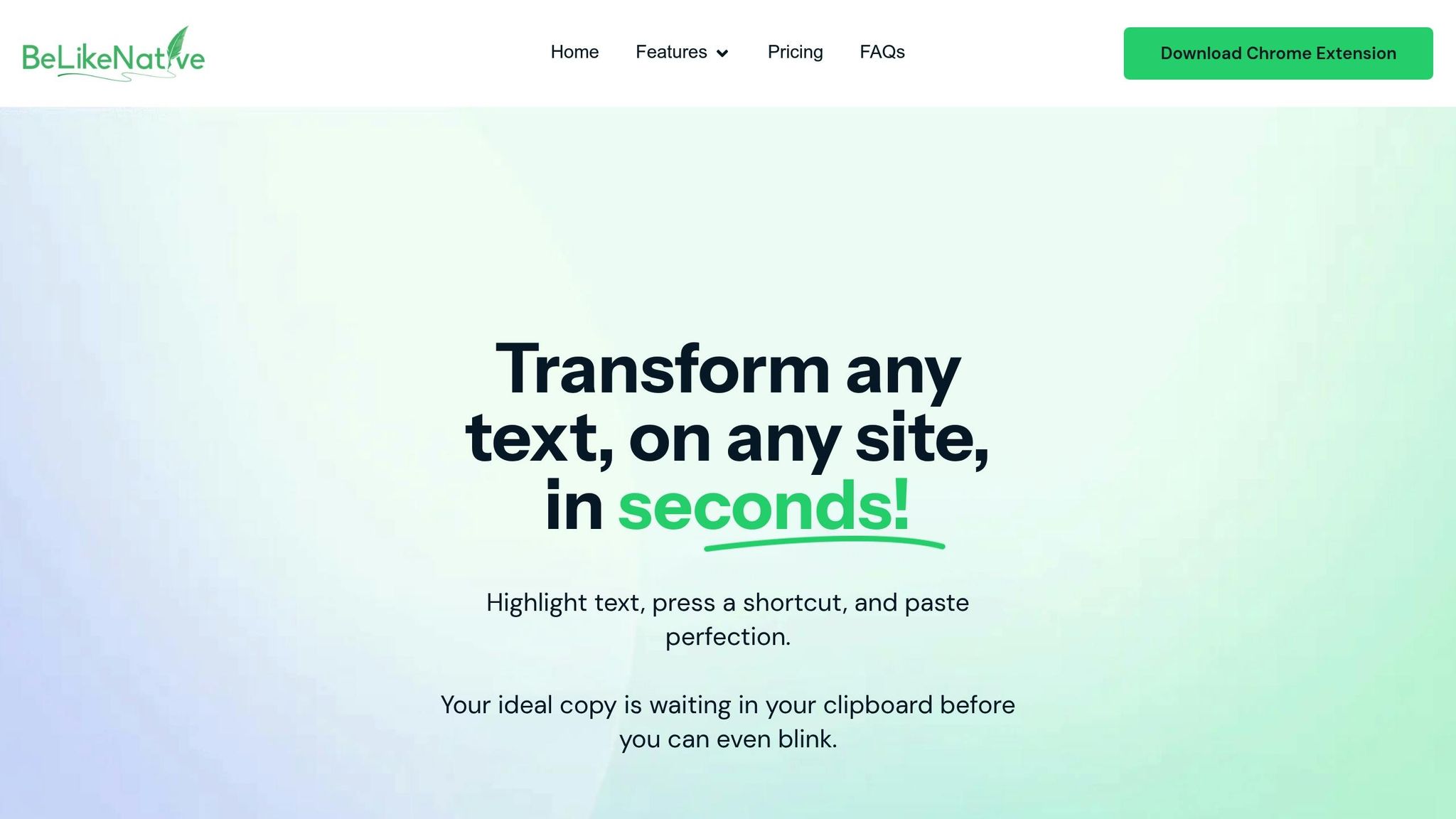
BeLikeNative is a practical tool that simplifies text directly within your browser. This Chrome extension is a versatile assistant that rephrases, translates, and improves text in over 80 languages. It integrates seamlessly with your clipboard, allowing you to simplify technical content with just a keystroke. Whether you’re working in Google Docs, Notion, WhatsApp Web, or any browser-based platform, BeLikeNative makes quick edits hassle-free.
The extension automatically identifies specialized or complex language, then suggests plain-language alternatives. You can even customize the tone and style to suit your audience, whether they’re complete beginners or have some level of technical knowledge. Plus, it offers context-aware definitions that maintain the original word’s part of speech and tense, ensuring your text stays grammatically sound.
BeLikeNative Plans and Pricing
| Plan | Price | Daily Uses | Character Limit | Key Features |
|---|---|---|---|---|
| Free | $0/month | 5 | 500 | Spelling and grammar correction, clarity improvements, 80+ languages |
| Learner | $4/month | 25 | 2,000 | Includes Explorer features, plus editable functions and shortcuts |
| Native | $6/month | 50 | 4,000 | Includes Learner features, priority bandwidth, and influence on development |
| Premium | $14/month | 125 | 6,000 | Includes Native features, partnership perks, and a lifetime license option |
For those frequently simplifying technical documents, the Learner or Native plans are ideal, offering higher daily limits and larger character counts. Regardless of the plan, all users benefit from data security, access to the community, and early access to new features.
Conclusion: How to Make Technical Writing Clear
Making technical writing clear starts with understanding your audience and finding ways to simplify complex ideas. Swap out jargon for plain language whenever possible, and if technical terms are necessary, explain them in parentheses. Analogies can also work wonders, helping readers relate to unfamiliar concepts. Breaking down ideas into smaller, digestible parts is another effective approach.
To improve readability, aim for an active voice and keep sentences short. A readability score of 60 or higher is a great target to ensure your writing is easy to follow. Tools like BeLikeNative can be a huge help, flagging overly complicated language and offering simpler alternatives. This not only saves time but also helps maintain accuracy.
Finally, clear communication is the key to keeping your audience engaged. Having a non-technical peer review your work can highlight areas that might need more clarity.
FAQs
How can I recognize technical jargon in my writing?
Spotting technical jargon in your writing starts with understanding your audience. Ask yourself: Will most readers know what this term means? If the answer is no, you’re likely dealing with jargon that needs to be simplified or explained. Another way to check is to see if the term is commonly used in everyday conversation or if it’s tied to a specific field. This can help you gauge whether it’s clear to a general audience.
Here’s another tip: look for overly complicated or long words, especially those with more than two syllables. A practical approach is to have someone who isn’t familiar with the topic read a part of your writing. If they stumble over certain terms or find them unclear, those words are probably jargon. Breaking down or explaining those terms will make your content easier to understand and more engaging for a wider audience.
How can I make technical ideas easier for general readers to understand?
To make technical concepts easier to grasp, start by understanding who you’re writing for. This allows you to pinpoint which terms need simpler explanations and which ideas might require additional clarification. Stick to everyday language, break up lengthy sentences, and use an active voice to keep your writing clear and engaging. Aim for short sentences – ideally under 20 words – and use familiar words to make your content easier to scan and understand.
Here are some practical tips to keep in mind:
- Use analogies and metaphors to connect complex ideas to everyday experiences. For instance, think of a data pipeline as a plumbing system – both involve moving things efficiently from one place to another.
- Define terms as you go. When introducing a new term, provide a quick explanation right away so readers don’t have to look it up elsewhere.
- Choose simpler words. Swap out long or overly technical terms for ones that are easier to understand.
You can also use readability tools, like writing assistants, to spot dense sentences or unnecessary jargon. These tools ensure your content stays clear and accessible to a wide range of readers.
How do analogies make technical concepts easier to understand?
Analogies serve as a connection between complicated ideas and everyday experiences, making it easier for readers to understand unfamiliar concepts. Take data encryption, for example – comparing it to locking a suitcase with a unique key offers a clear mental picture, making the concept simpler to grasp and stick in memory.
By breaking down abstract ideas into relatable examples, analogies lighten the mental load of understanding technical subjects. They also add a conversational and engaging touch, sparking curiosity and making the information approachable for audiences who may not have a technical background.
Related Blog Posts
- How to Simplify Any Text with AI – Best Tools & Tips for Clearer Writing
- How to Explain Complex Ideas in Simple Language
- Simplify Long Paragraphs With AI For Better Readability
- Best Way to Rephrase Sentences for Clarity in Technical Documentation
BeLikeNative fixes grammar, rephrases, translates, and simplifies text on any website in 1 second — just highlight and hit a keyboard shortcut. No tab switching. Try it free →

